Open Graph Meta Tags in Sanity: Best Practices
Improve link previews with Open Graph and Twitter/X card best practices for Sanity-powered websites, from image choices to editor previews.
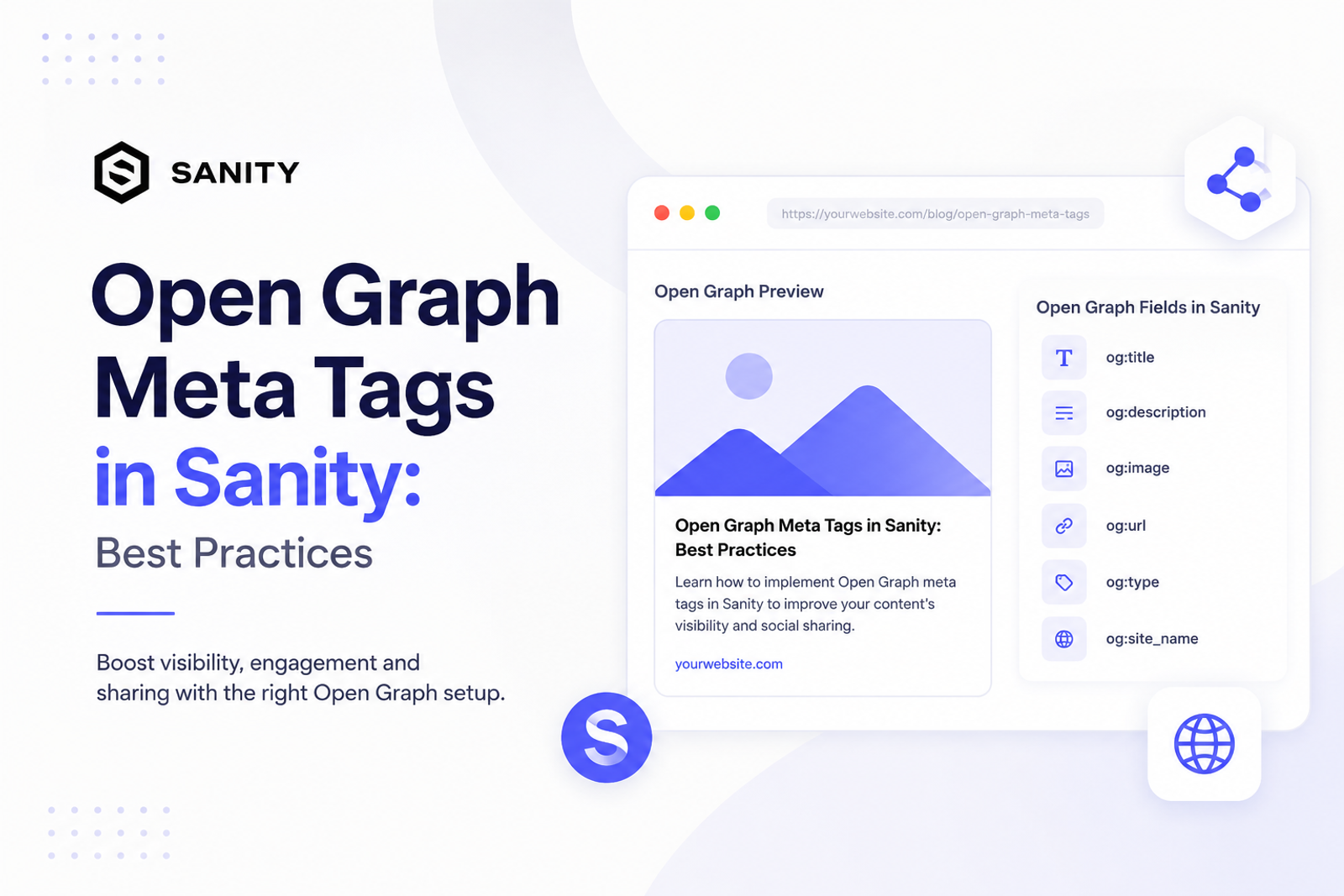
Open Graph tags decide how a page appears when it is shared in Slack, LinkedIn, X, Discord, Facebook, and other surfaces that unfurl links. For many teams, that preview is the first impression a page gets outside search.
Sanity is a natural place to manage Open Graph metadata because editors already know the message, audience, and page intent. The frontend should render the tags consistently, while the Studio should make the preview obvious before publishing.
Use a dedicated Open Graph title
The page title and Open Graph title can be the same, but they do not have to be. Search titles often need keyword precision. Social titles can be more direct, benefit-led, or curiosity-driven. Give editors the option to customize the social title when a page needs it.
Write a short description for the preview card
Open Graph descriptions are often truncated. Keep the most important idea near the beginning. Instead of describing every section on the page, explain why someone should click the shared link.
Use images designed for previews
A page hero image is not always a good social preview image. Open Graph images need strong contrast, readable text if text is used, safe margins, and a clear subject. For technical sites, simple UI compositions often work better than abstract gradients.
- Use a 1200 by 630 image for broad compatibility.
- Keep important text away from edges and corners.
- Use one strong visual idea instead of many small screenshots.
Add Twitter/X card fields too
Twitter/X supports its own card metadata. In many cases you can reuse the Open Graph title, description, and image. But if a channel needs tighter copy or a different card type, separate fields give you that control without changing the page content.
Preview social cards inside the CMS
Editors should not need to publish, paste a URL into a debugger, and wait for cache refreshes to discover that a preview looks wrong. A Studio preview makes the quality check part of the editing flow.
Render absolute URLs
Open Graph images and canonical URLs should be absolute. Relative paths can work in parts of your app but fail in external crawlers. Resolve Sanity images into full URLs, and make sure generated OG image endpoints return a usable image response.
Use fallbacks, but surface missing fields
A sensible fallback chain might use Open Graph image, then SEO image, then cover image, then a generated image endpoint. That keeps previews from breaking. Still, the CMS should show when a high-value page relies on a generic fallback.
Open Graph metadata is where technical SEO meets distribution. When Sanity owns the fields and the frontend renders them carefully, every shared link has a better chance of looking intentional, trustworthy, and clickable.