Top 10 Sanity SEO Tips for Better Rankings
A practical checklist for improving Sanity SEO with stronger metadata, cleaner previews, structured data, and editor-friendly publishing workflows.
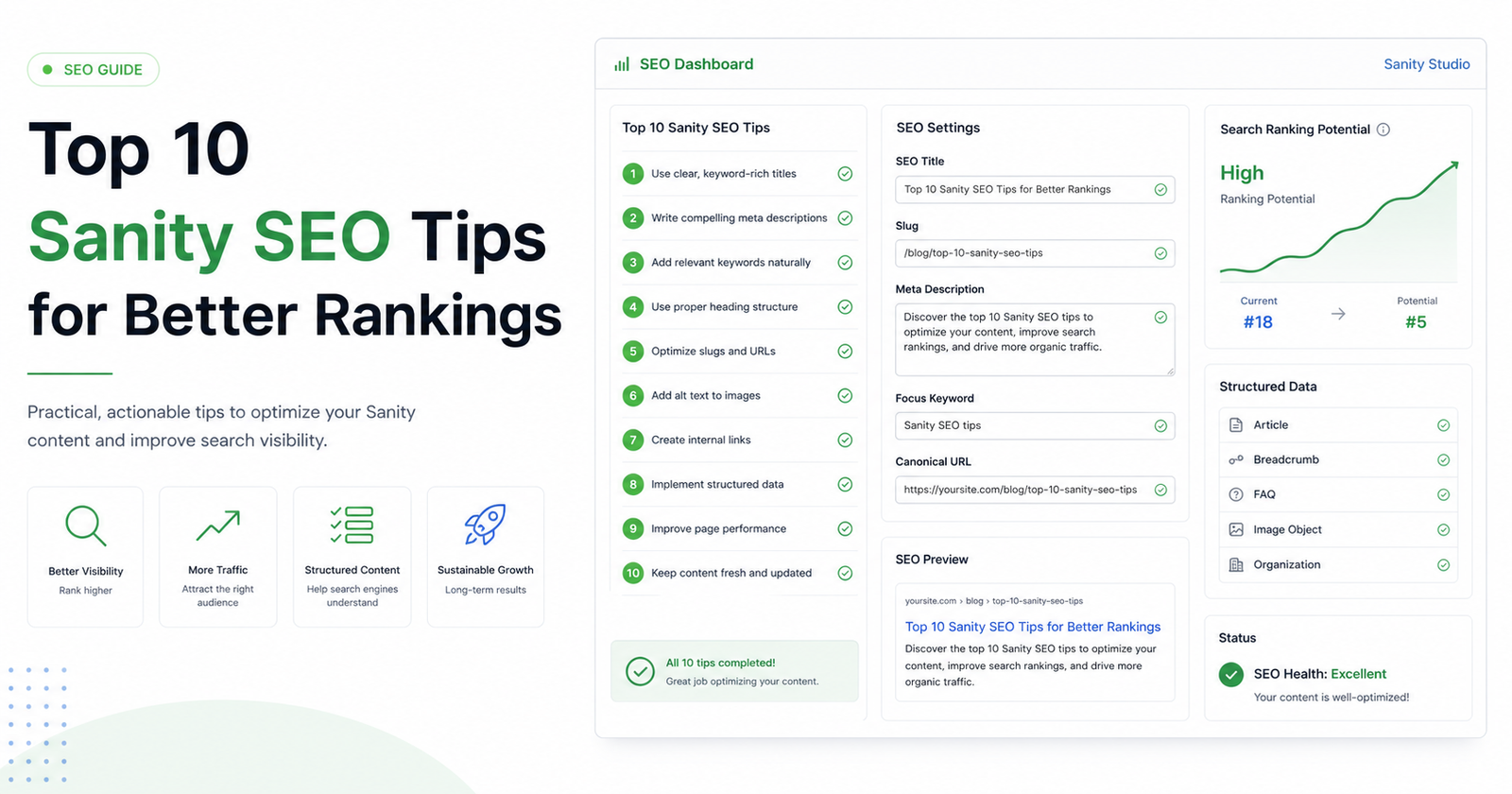
Sanity gives teams a clean way to model content, but strong rankings do not happen just because the CMS is flexible. Search visibility depends on the fields editors can control, the defaults developers provide, and the quality checks that happen before content goes live.
Use this checklist to turn Sanity SEO from a last-minute publishing chore into a repeatable workflow. The goal is simple: every important page should have clear metadata, useful social previews, indexable settings, and structured context that search engines and answer engines can understand.
1. Add SEO fields to the content types that actually publish
Start with document types that become public URLs: pages, posts, products, landing pages, docs, guides, events, and location pages. If a document can appear in Google, it should have a structured SEO object for title, description, canonical URL, robots settings, social previews, and image fields.
2. Keep titles specific and under control
A page title should describe one page, not the whole website. Put the primary query or topic near the beginning, avoid repeating the brand everywhere, and keep the final output short enough that editors can preview it. A reliable title field is still one of the fastest SEO wins in a headless CMS.
3. Write descriptions that answer the search intent
Meta descriptions do not guarantee rankings, but they shape the search result and clarify page intent. Write a unique description for every high-value page. Make it specific, mention the page benefit, and avoid generic copy such as learn more about our services.
- Use one clear focus keyword or topic per page.
- Avoid duplicate titles and descriptions across related pages.
- Preview how titles, descriptions, and social cards will appear before publishing.
4. Treat Open Graph as part of SEO quality
Social previews influence clicks, shares, and internal review quality. Add Open Graph and Twitter/X card fields for title, description, image, and card type. When a team sees the preview in Studio, they catch weak messaging earlier.
5. Use canonical URLs intentionally
Headless sites often have multiple route patterns, preview paths, campaign URLs, and syndicated content. The canonical field should point to the authoritative version of the page. Make it easy for editors to set only when the default route is not enough.
6. Make robots settings visible and hard to misuse
Robots controls are powerful because they can remove a page from search. Use them, but make the state obvious. Important pages should not accidentally ship with noindex enabled because a staging setting was copied into production content.
7. Add structured data where it clarifies the page
Schema.org markup helps machines understand the role of a page. Blog posts, products, organizations, FAQs, how-to guides, and local business pages each benefit from different structured data. Model these fields in Sanity so editors can maintain them beside the content.
8. Query SEO fields explicitly in the frontend
A complete Studio setup still fails if the frontend does not render the data. Your GROQ query should fetch the SEO object, and your Next.js metadata function should map it into title, description, canonical URL, robots, Open Graph, and Twitter fields.
9. Score content before it ships
A health dashboard turns metadata quality into something the whole team can see. It helps editors find missing descriptions, broken images, weak titles, and incomplete structured data without waiting for a crawler or traffic drop.
10. Review patterns, not just individual pages
If many pages fail the same check, fix the workflow. Add better initial values, improve field descriptions, move SEO fields closer to publishing controls, or update frontend fallbacks. The best SEO improvements reduce repeated manual work.
Sanity SEO works best when editors and developers share the same system. Model the fields clearly, render them reliably, and give the team feedback before publishing. That is how a flexible headless setup becomes a dependable search workflow.