Schema.org Structured Data in Sanity: Step-by-Step Guide
Learn how to model Schema.org structured data in Sanity, query it in your frontend, and render JSON-LD for search and AI answer surfaces.
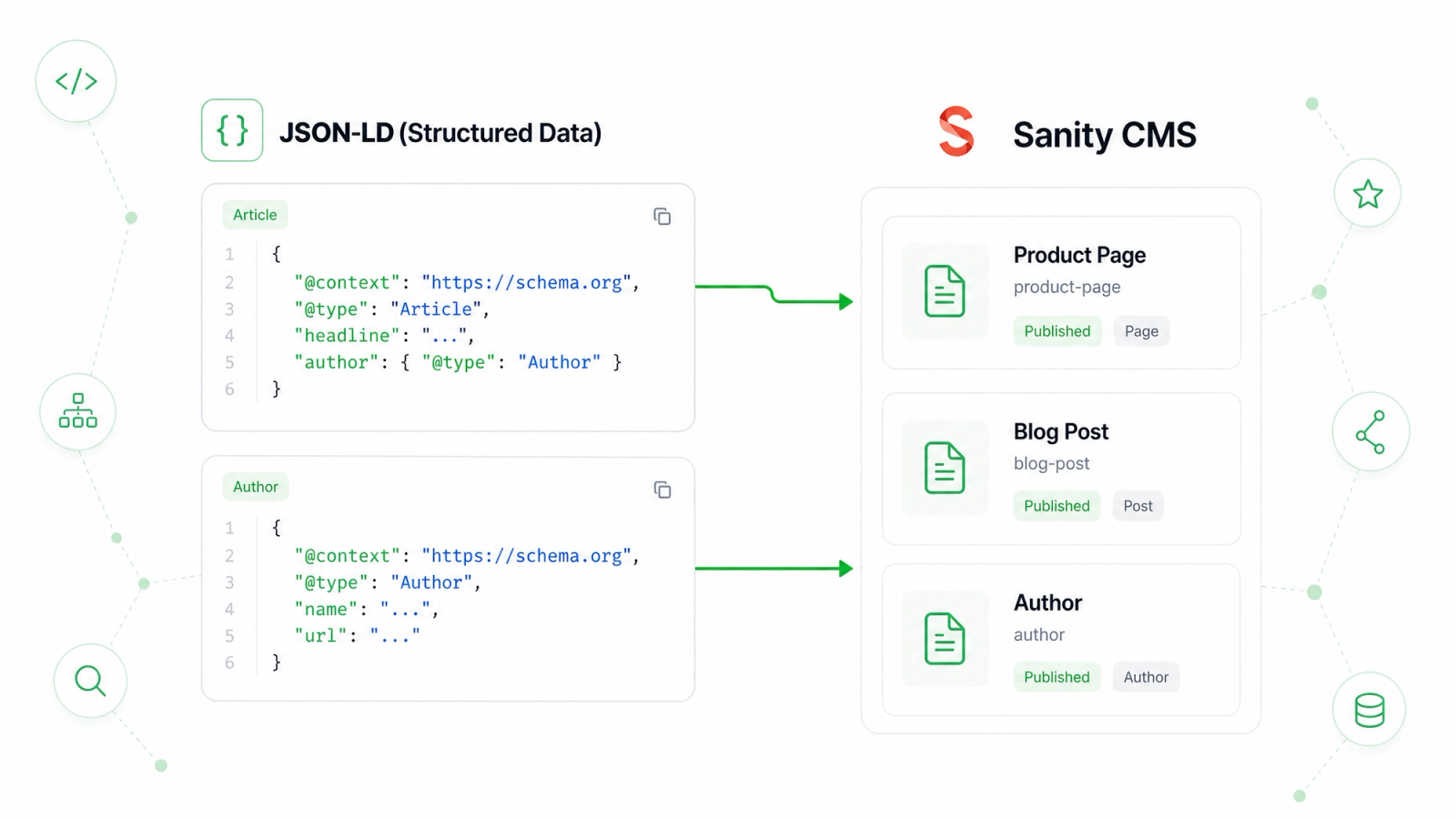
Structured data is the layer that tells search engines what a page represents. A title and description explain the page to humans. Schema.org JSON-LD explains the page to machines with a predictable vocabulary.
In Sanity, the best approach is to model structured data as editor-owned content, then render valid JSON-LD from the frontend. This keeps the data close to the page and avoids hardcoded snippets that quietly drift out of date.
Step 1: Choose the right Schema.org type
Start with the page intent. A blog article should use BlogPosting or Article. A software product page may use SoftwareApplication. A business profile may use Organization or LocalBusiness. A tutorial can use HowTo when it includes real ordered steps.
- Use Article or BlogPosting for editorial content.
- Use Product or SoftwareApplication for product and app pages.
- Use FAQPage only when the page actually contains visible questions and answers.
Step 2: Add structured data fields in Sanity
The schema should collect the facts needed for the chosen type: headline, description, image, author, publisher, dates, offers, address, ratings, or steps. Keep the fields understandable for editors. If a field is only a technical artifact, compute it in the frontend instead of asking editors to manage it.
Step 3: Keep structured data aligned with visible content
Structured data should describe what users can see on the page. Do not add FAQ schema if the FAQ is hidden. Do not mark a page as a product if it is only a comparison article. Search systems are better at detecting mismatches than many teams expect.
Step 4: Query structured data with GROQ
Fetch the structured fields alongside the page content. For rich text descriptions, convert Portable Text to plain text when the JSON-LD property expects a string. For images, resolve Sanity image assets into absolute URLs.
Step 5: Render JSON-LD in the page
In Next.js, render the JSON-LD script server-side in the page or layout where the content is loaded. Use absolute URLs for canonical page URLs and images. Include datePublished and dateModified for articles, and author data when it is available.
Step 6: Validate before publishing
Use a rich results test or Schema.org validator after implementation. Validation catches missing required fields, invalid URLs, and accidental null values. It also helps teams learn which fields are truly needed and which are optional.
Step 7: Review structured data as content changes
Structured data can go stale when pages are updated. A product price changes, an article gets a new author, a business address changes, or a tutorial gains new steps. Keep structured data in Sanity so the same editorial update can fix both the page and its machine-readable representation.
Schema.org is not magic, but it is a powerful clarity layer. When Sanity owns the structured facts and the frontend renders them consistently, your content becomes easier for search engines, rich results systems, and AI answer surfaces to understand.