Managing Meta Tags in Sanity Studio: Complete Guide
A complete guide to managing meta titles, descriptions, canonical URLs, robots settings, and custom tags directly inside Sanity Studio.
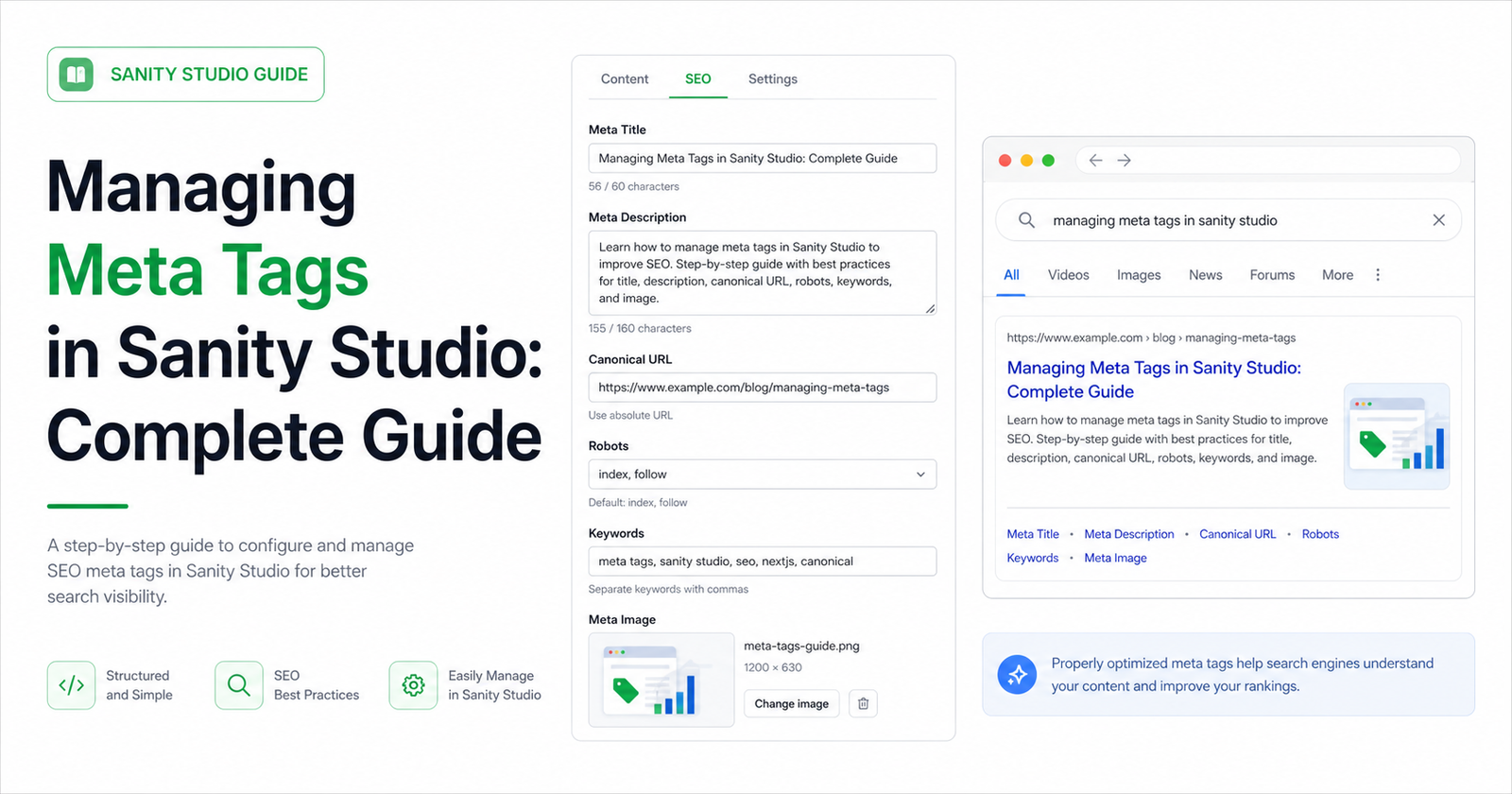
Meta tags are small, but they carry a lot of publishing responsibility. They control how a page is introduced in search, how crawlers understand indexing rules, and how frontend frameworks assemble metadata for each route.
Sanity Studio is a strong place to manage meta tags because editors already understand the page intent. Instead of scattering metadata across code, templates, spreadsheets, and deployment notes, keep the editable fields beside the content they describe.
Start with the core meta fields
Most pages need a title, description, image, canonical URL, and robots settings. These fields should be predictable across document types. When every public document uses the same SEO object, the frontend integration becomes easier to maintain and audit.
- Title: the page label shown in search and browser metadata.
- Description: the concise summary that explains why the page exists.
- Canonical URL: the authoritative URL when duplicates or variants exist.
- Robots: index and follow controls for crawlers.
Give editors useful limits, not vague advice
A title field with no length guidance is easy to misuse. A description field without a preview often becomes too long or too generic. Sanity schema validation, field descriptions, and preview components help editors understand what will happen before the page is published.
Use fallbacks carefully
Fallbacks are helpful, but they should not hide missing editorial work. It is fine for the frontend to fall back from SEO title to page title, or from SEO description to excerpt. But your dashboard or validation should still show which pages are relying on fallback metadata.
Separate base metadata from social metadata
Search titles and social titles often need different wording. A search title should match query intent. A social title can be more curiosity-driven. Keep Open Graph and Twitter/X fields available for pages where the default title and description are not enough.
Render meta tags from server-side data
For Next.js, query Sanity in generateMetadata and return a complete Metadata object. Include title, description, canonical URL, robots settings, Open Graph, and Twitter fields. Avoid client-only metadata because crawlers and link unfurlers need the tags in the rendered response.
Use custom tags only when the standard fields are not enough
Some projects need verification tags, custom properties, or platform-specific metadata. Keep those available, but do not turn the editor experience into raw HTML. A structured custom meta tag array gives developers flexibility while keeping validation possible.
Audit metadata regularly
As a site grows, metadata quality drifts. New templates ship, old posts are updated, and copied descriptions spread across pages. A dashboard or report helps teams find missing, duplicated, and weak meta tags before they become a traffic problem.
Managing meta tags in Sanity works best when the schema is structured, the editor experience is clear, and the frontend has one reliable rendering path. That combination keeps metadata maintainable as the site grows.